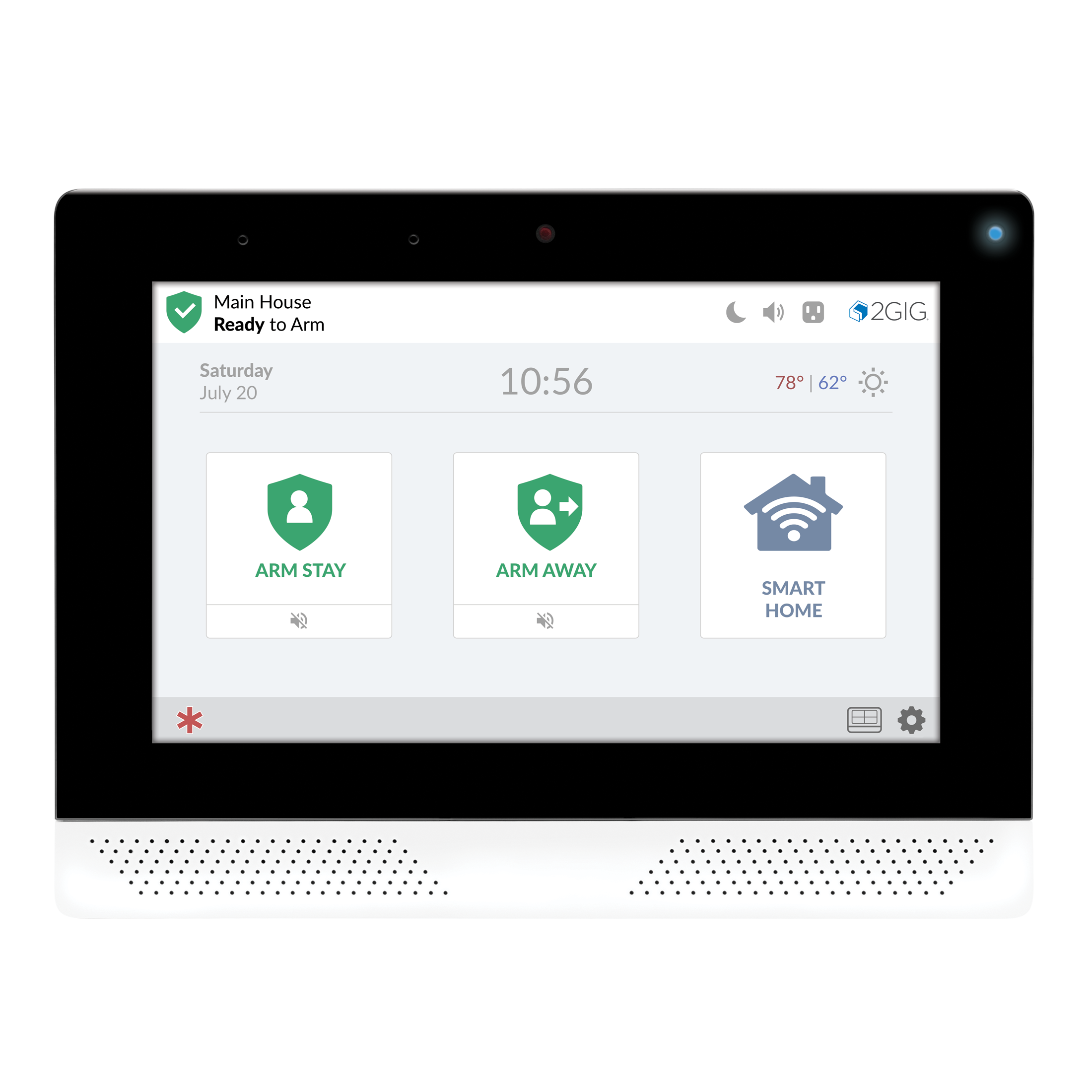
2GIG Edge Remote Keypad
The 2GIG EDGE Remote Keypad maintains the same intuitive user interface as the award-winning 2GIG EDGE Panel and is designed as a secondary keypad for the 2GIG security system. It provides many of the same easy-to-use functions such as one button access to security and smart home controls on the tamper resistant keypad. The on-board camera streams to the 2GIG EDGE panel and other remote keypads.
What can we help you with?
8 Articles
Learn how to set up your new remote keypad and explore its features.
View instructions for connecting your remote keypad to Wi-Fi.
Explore everything included with the 2GIG Edge Remote Keypad.
Learn how to fix a non-responsive keypad.
Our troubleshooting guide will walk you through fixing your secondary panel's connectivity issue.
Learn how to replace the backup battery in your 2GIG Edge Remote Keypad. Follow our step-by-step instructions to clear alerts and keep your home secure.
Learn how to resolve a tamper error on your Qolsys IQ Panel 4. Follow step-by-step instructions to securely attach the panel cover and clear alerts.
Troubleshoot a sensor malfunction error on your 2GIG Edge Remote Keypad. Find step-by-step instructions to resolve alerts at the Brinks Home Help Center.