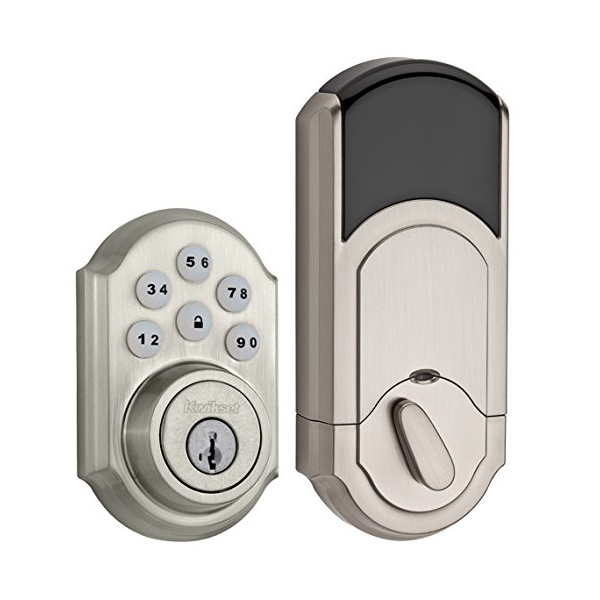
Kwikset 910
The Kwikset 910 smart door lock features a SmartCode touchpad with Home Connect technology that enables the lock to wirelessly communicate with other devices in your home. With your personalized code, you can enter your home with the convenience of keyless entry and the back-lit keypad provides increased visibility. The Kwikset 910 is easy to install, program and use, and features SmartKey security as a back-up keyway.
What can we help you with?
4 Articles
Get step-by-step instructions to install, program, and pair your Kwikset 910 Smart Code Deadbolt with your Brinks Home security system panels.
Learn how to connect the Kwikset 910 Door Lock to the IQ Panel 2 with this step-by-step guide.
Find troubleshooting guides and support for the Kwikset 910 smart door lock at Brinks Home. Resolve common lock issues and battery replacement errors.
Learn how to replace the batteries in your Kwikset 910 smart door lock. Follow step-by-step instructions to clear low battery alerts at Brinks Home.