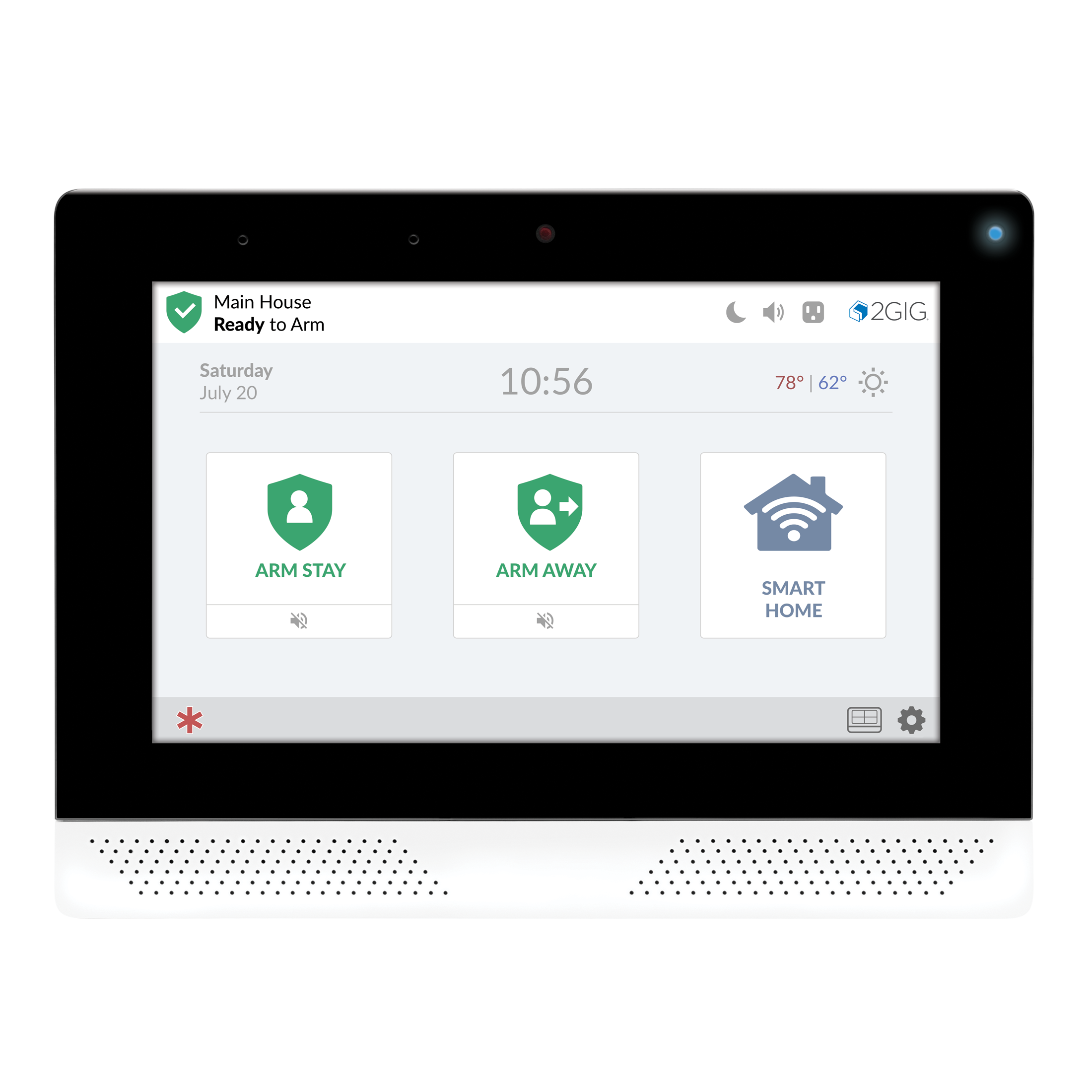
2GIG Edge
The 2GIG Edge smart home security panel has a sleek design that is 50% thinner and more powerful than ever with seamless integration. This security control panel offers dual front-firing speakers, dual noise and echo canceling microphones for amazing audio quality with two-way communication.
What can we help you with?
9 Articles
Discover how to operate your Qolsys IQ Panel 4. Learn about basic navigation, arming and disarming, emergency features, and smart home controls.
2GIG Edge - Programming a Door/Window Sensor
Learn how to add a Z-Wave smart home device to your 2GIG Edge security panel. Follow step-by-step pairing instructions from the Brinks Home Help Center.
Learn how to connect your 2GIG Edge security panel to Wi-Fi. Follow step-by-step instructions to program your wireless network settings.
Learn how to safely power cycle your 2GIG GC3 panel and restore functionality if the system screen becomes frozen or completely unresponsive.
Troubleshoot and fix panel communication failure issues on your 2GIG Edge security panel with this step-by-step guide from the Brinks Home Help Center.
Learn how to replace the backup battery for your 2GIG Edge security panel. Find step-by-step instructions from the Brinks Home Help Center.
Learn how to resolve a cover tamper error on your Brinks Home IQ Panel 2 with our step-by-step troubleshooting guide to keep your security system running smoothly.
Learn how to troubleshoot and resolve a sensor malfunction on your 2GIG Edge panel. Follow step-by-step instructions to clear alerts and keep your home secure.