Lynx Plus - Sensor Test
Use test mode to check that your Lynx Plus beeps and shows each sensor when you activate it.
Before You Start
- Your user code
Run the Test
Enter your user code, then press 5. The Lynx Plus beeps and tests all display segments.
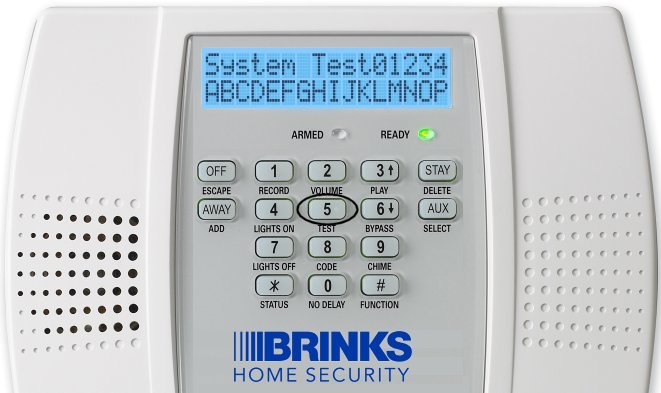
Press 5 to start the test Activate every sensor: open your doors and windows and walk past your motion detectors.
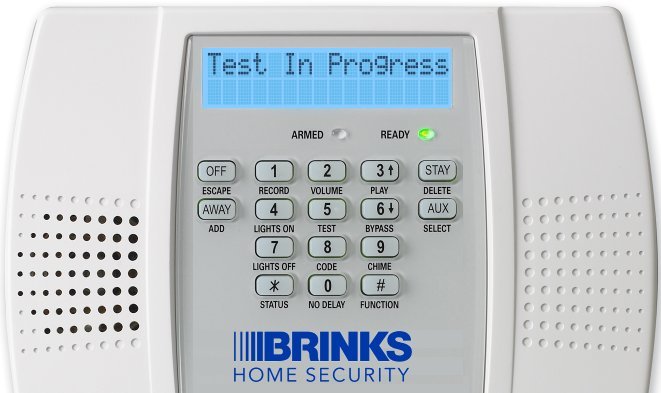
Test in progress Each time, the Lynx Plus beeps and shows the sensor you activated.

An activated sensor on the screen When you're finished, enter your user code and press the OFF button to exit the test.
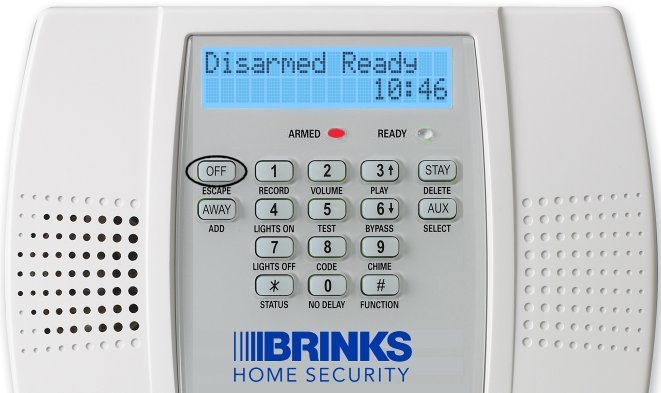
Press OFF to exit

Still Need Help?
Our support team can help with your Lynx Plus.
Contact Brinks Home™ Support